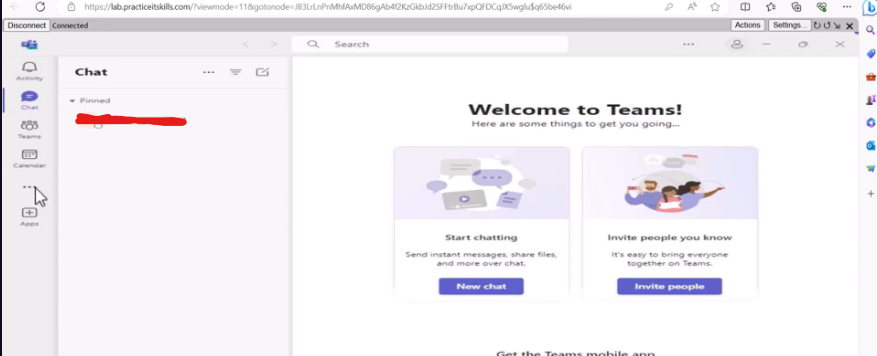

Task: We’ve recently transitioned to Office 365, and I’m in need of assistance to set up Teams on my machine. I’d like to test Teams with Amy to explore its features for future use.
1. Installation and Access #
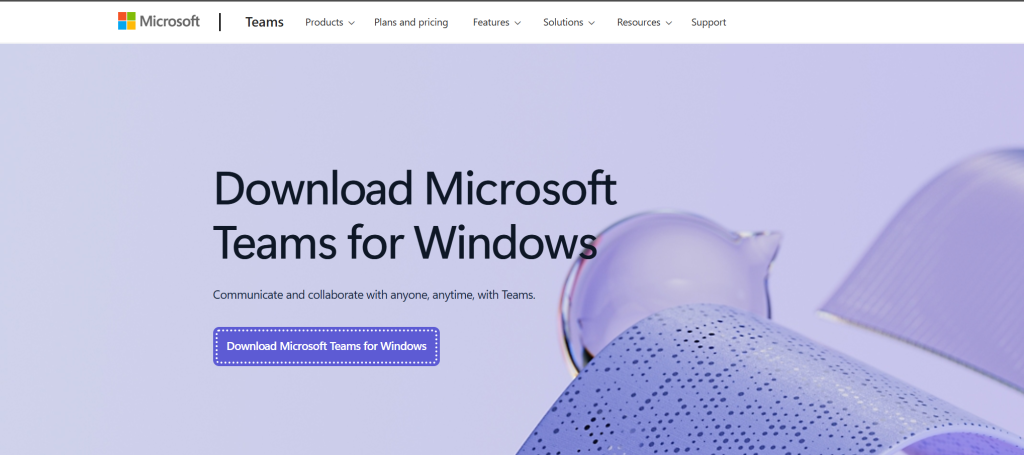
The primary purpose of Teams is to facilitate connection between company members. To set this up, I navigated to the Microsoft website to download the Teams installer. Alternatively, the service can be accessed directly via a web browser.
2. Authentication #
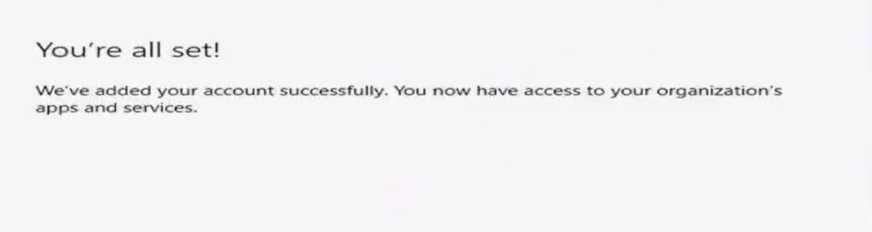
Once the application was installed, I launched it and signed in using one of the newly created Office 365 accounts. This ensures the account has the proper licensing and permissions to use the Teams service.
3. Verification and Chat Testing #
After a successful login, I navigated to the Chat section. To confirm the setup was fully operational, I initiated a new chat session to communicate with Amy.
Testing the chat feature verifies that the Global Address List (GAL) is syncing and that real-time communication is active across the domain.