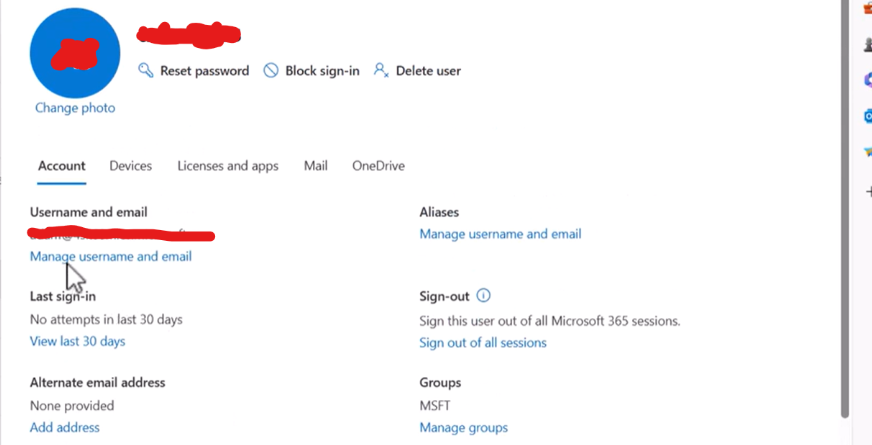

Task: Create Office 365 accounts for Admin, Amy, and Monica with full app and email access.
1. Accessing the Admin Portal #
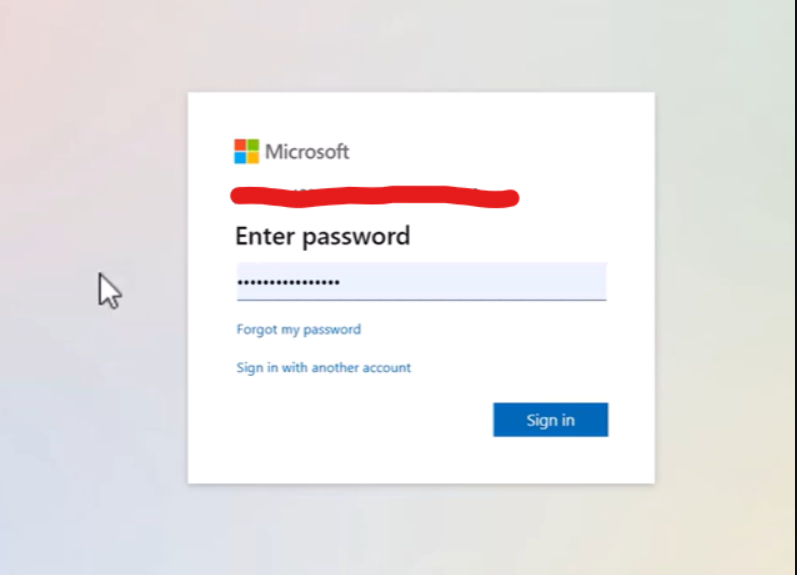
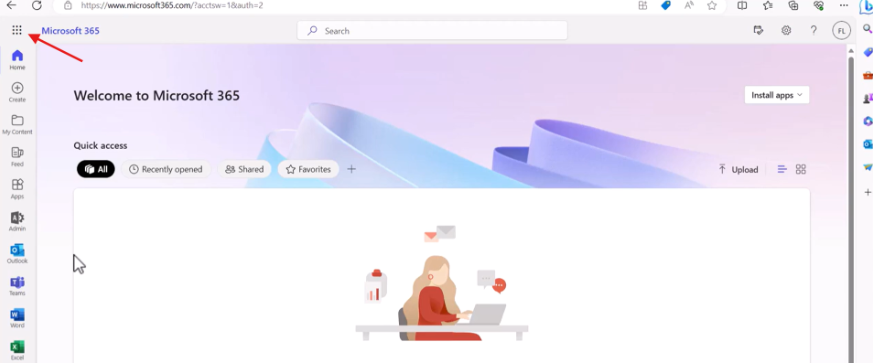
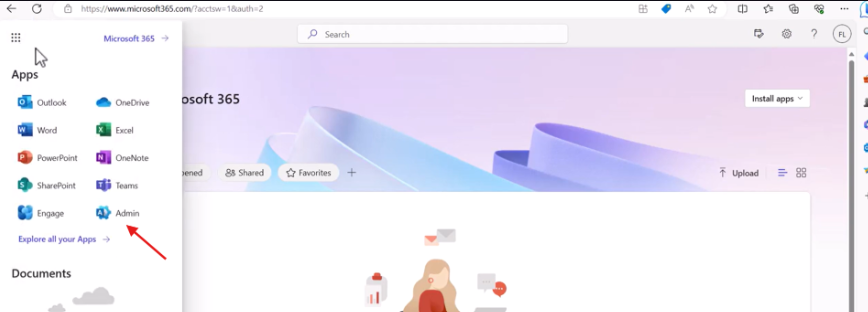
To start, I logged into the Microsoft 365 admin account. On the left-hand navigation panel, I selected the Admin app to enter the management console.
2. Navigating to User Management #
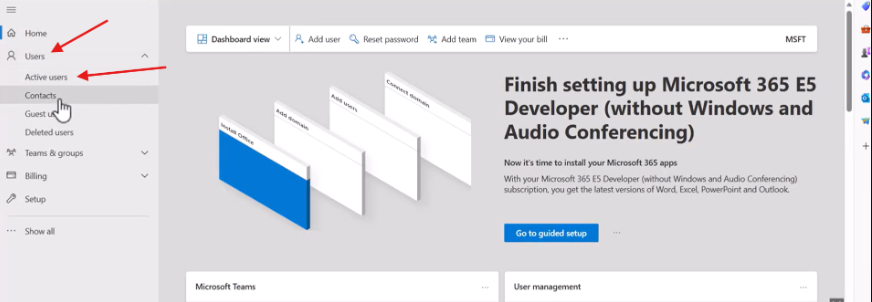
Once the page loaded, I navigated to the Users dropdown and selected Active users. This is the central hub for adding or modifying user identities and their associated permissions.
3. Creating the Accounts #

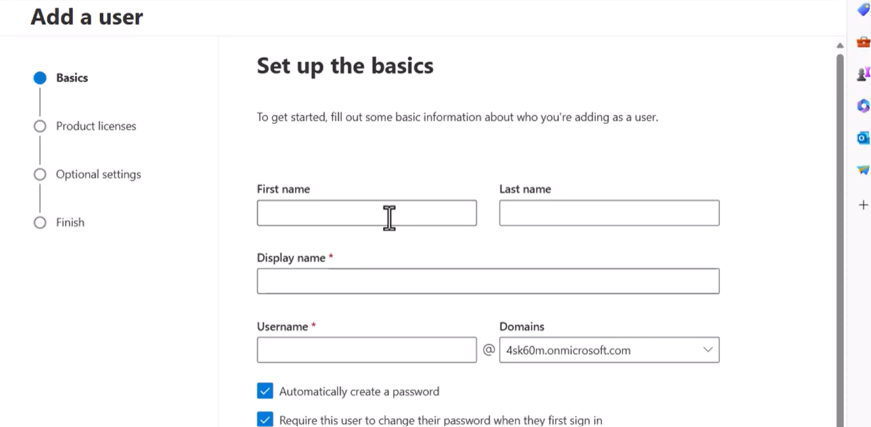
I proceeded to create the account for Amy by entering her display name and username. I followed the same process for Monica and the Admin account.
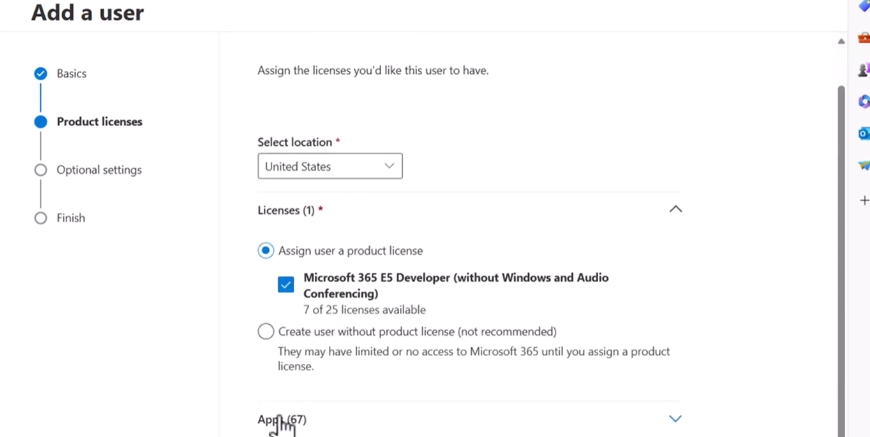
During the setup, I assigned the necessary licenses. This step is critical because it is what grants them access to the full suite of Office 365 applications (Word, Excel, Teams, etc.).
4. Verifying Email Access #
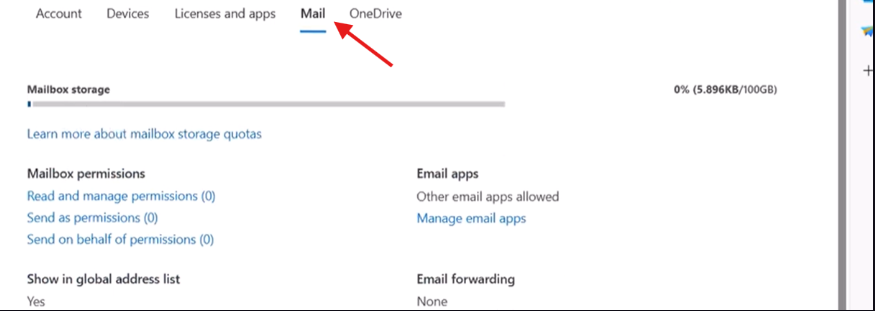
After the accounts were created, I checked the status of their mailboxes. I verified that the email access was provisioned correctly and that the accounts were ready to send and receive mail.