

Wazuh SIEM & XDR Agent Installation #
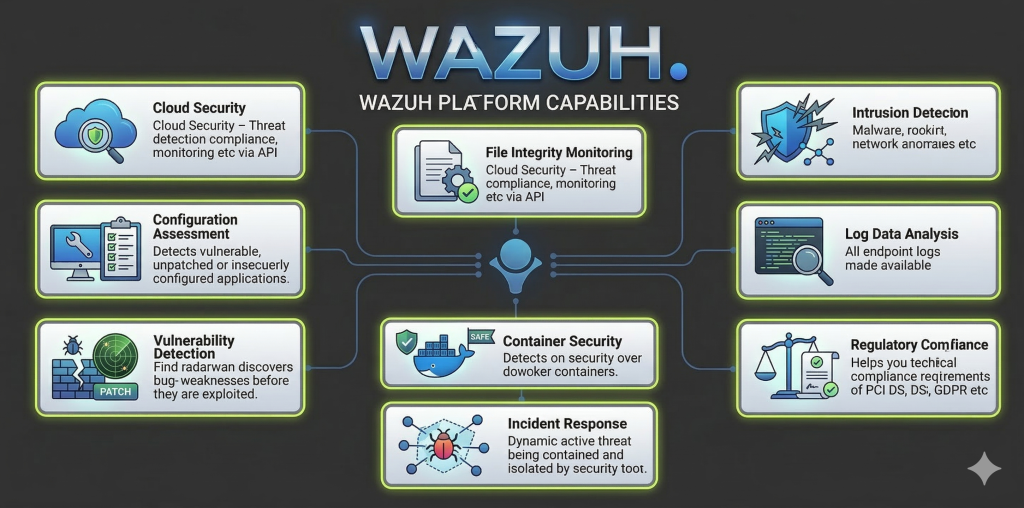
A SIEM is a software platform that collects security data, like logs and events, from various sources such as endpoints, APIs, and network protocols. It then aggregates, organizes, and analyzes this data to detect anomalies, threats, and compliance issues, alerting cybersecurity analysts. Wazuh uses an XDR agent that feeds data from endpoints back to the SIEM, XDR extends detection and response capabilities across endpoints, networks, and cloud environments for broader threat visibility.
Download Wazuh #
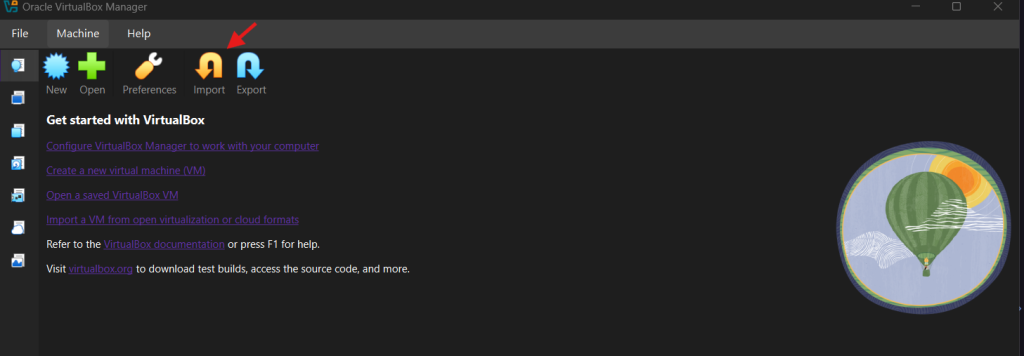
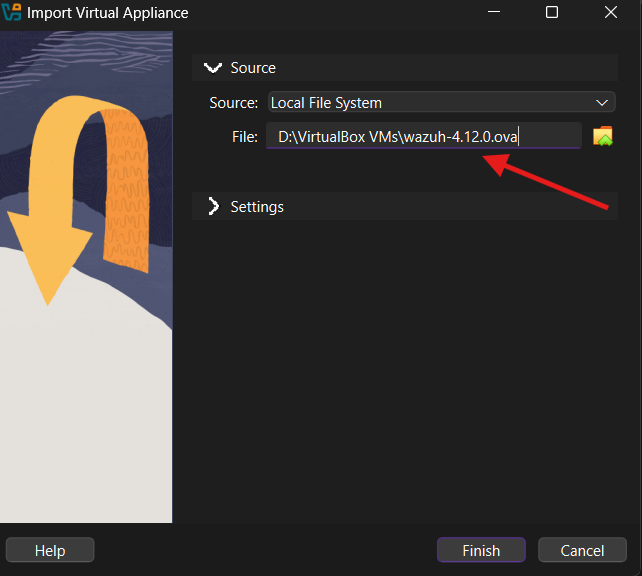
Click here to download WAZUH after is done open your VirtualBox click on Import button then locate your wazuh installation and click on Finish.
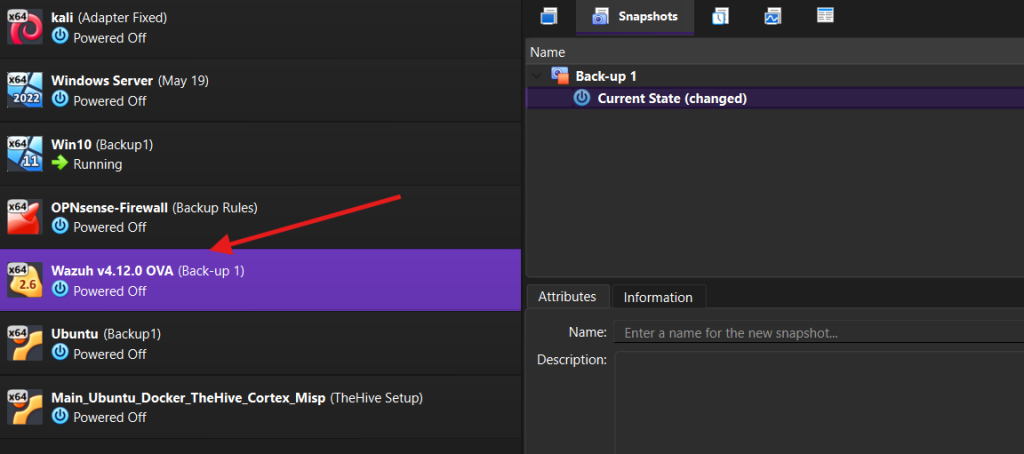
Now start the machine and the username and default password is:
wazuh-user
password: wazuh
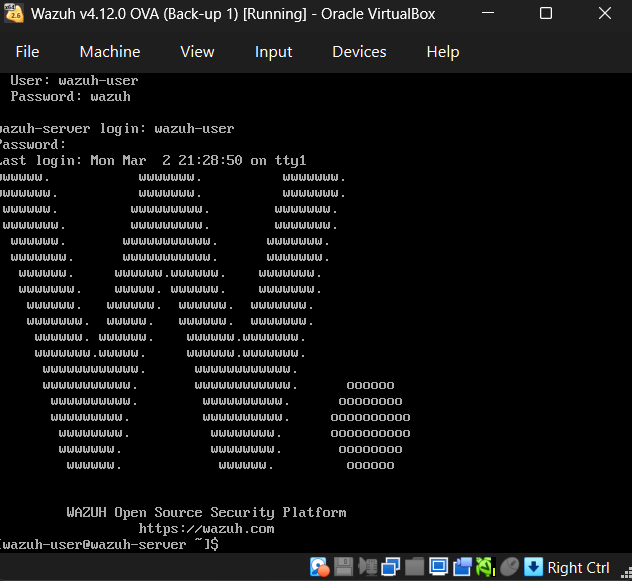
Next we need to give our wazuh a static IP Address, First check your interfaces by running ip a on the terminal, I’ve set mine to 10.0.3.6, in order to change your IP Address, run this command.
sudo nano /etc/sysconfig/network-scripts/ifcfg-eth0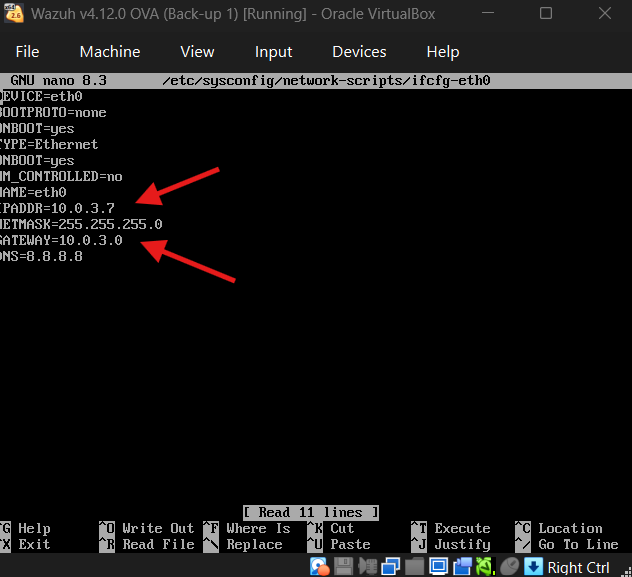
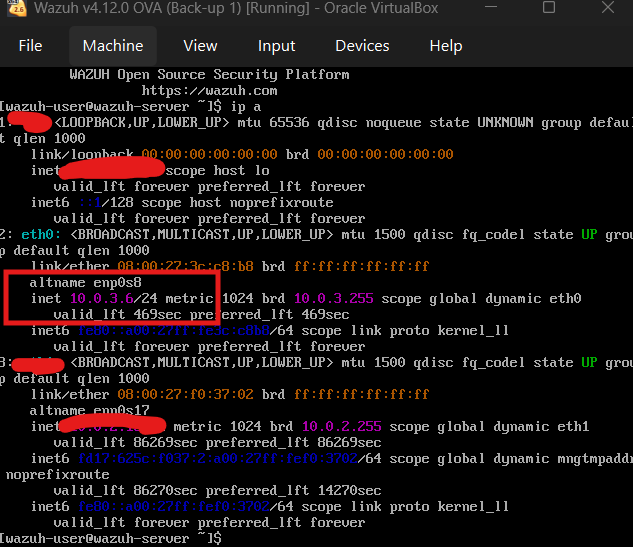
Now restart the network by typing:
sudo systemctl restart network
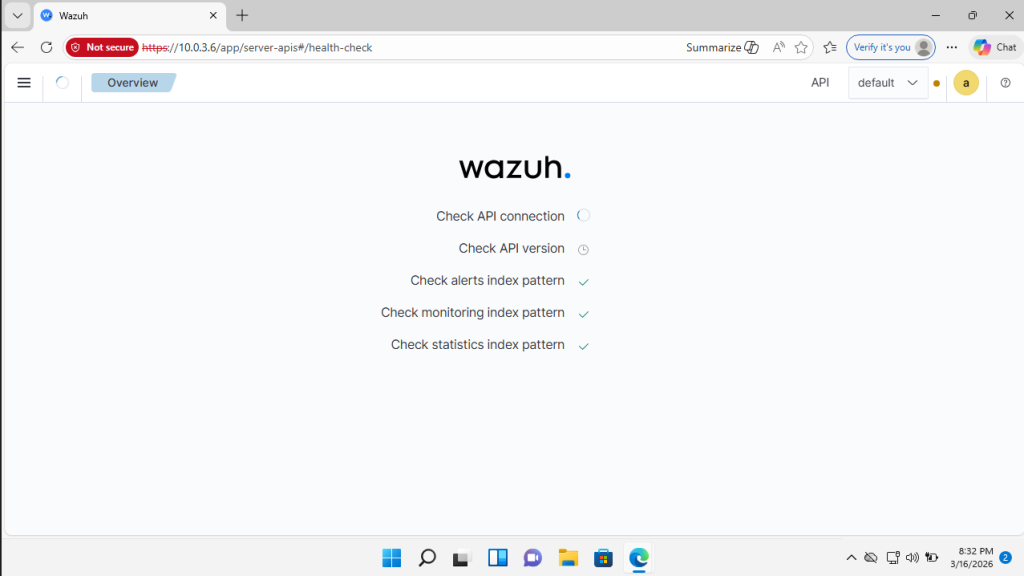
Now go to your Virtual windows machine nagivate to 10.0.3.6, login with username:admin and password:admin
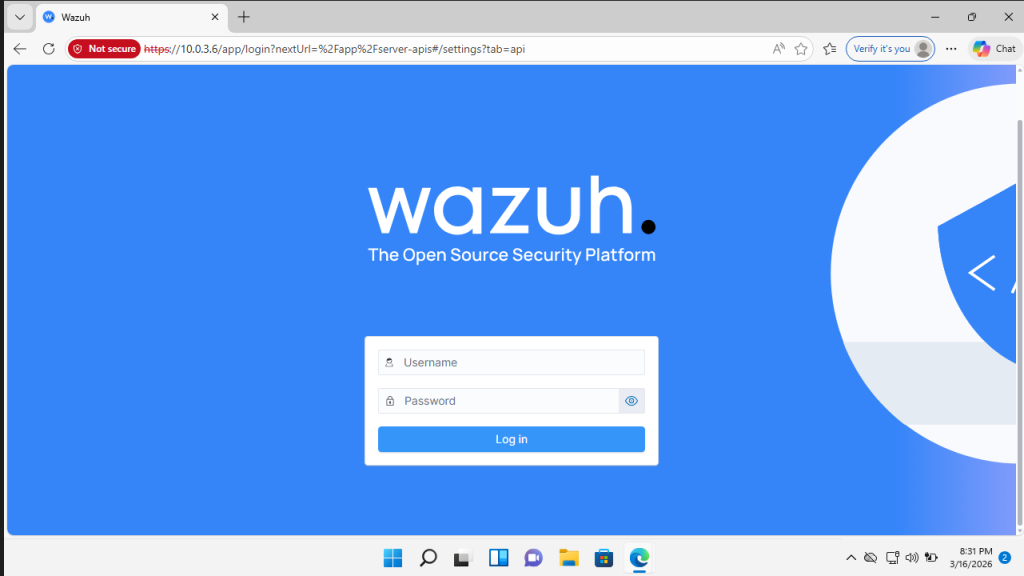
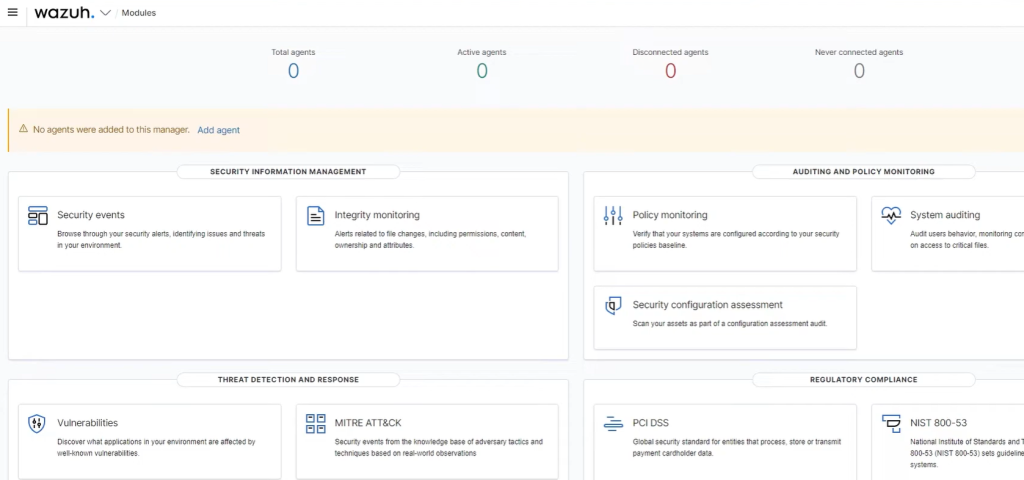
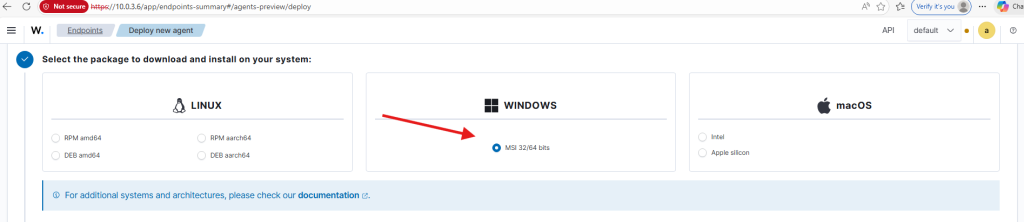
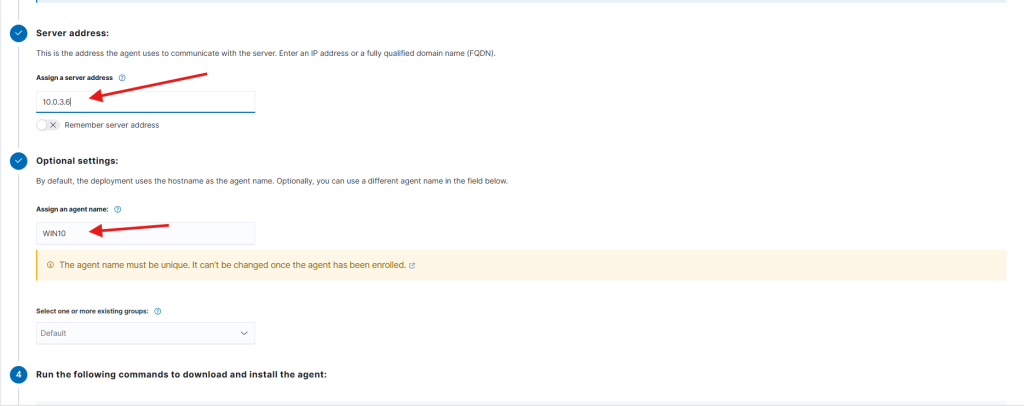
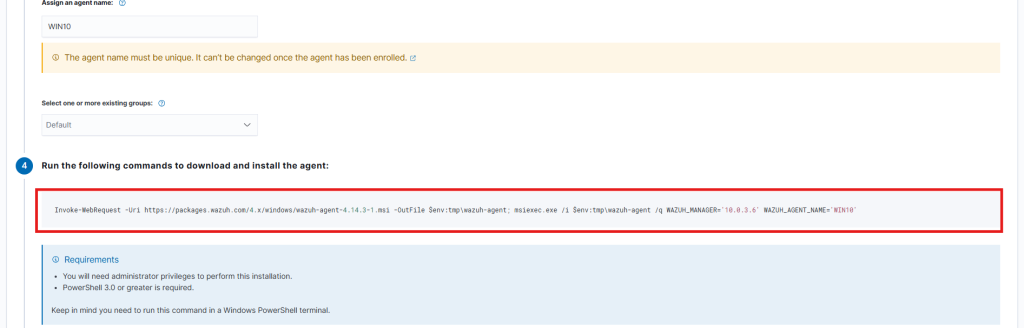
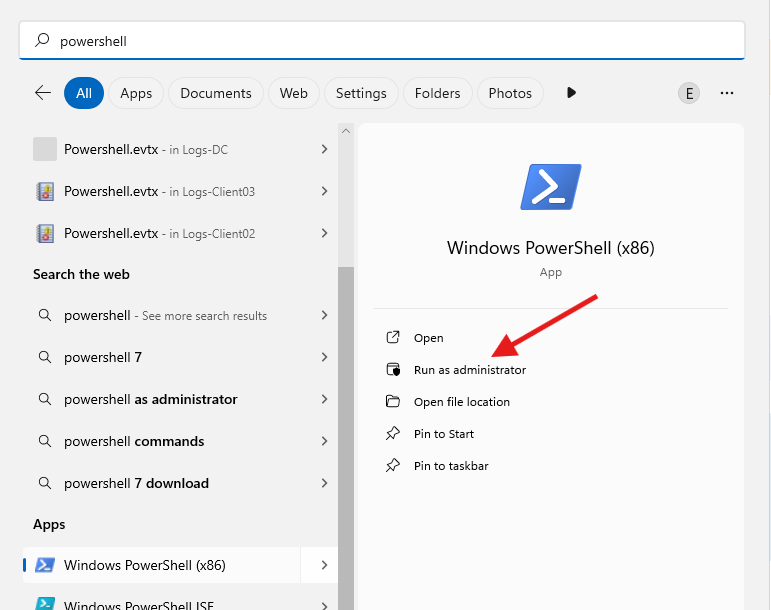
Next we need to install wazuh agent on our windows 10 machine. Now click on add agent, and select the operating system in our case is windows system then our wazuh server address which is 10.0.3.6 and give it a name. Now we need to open our powershell with (admin) privileges to install the agent.


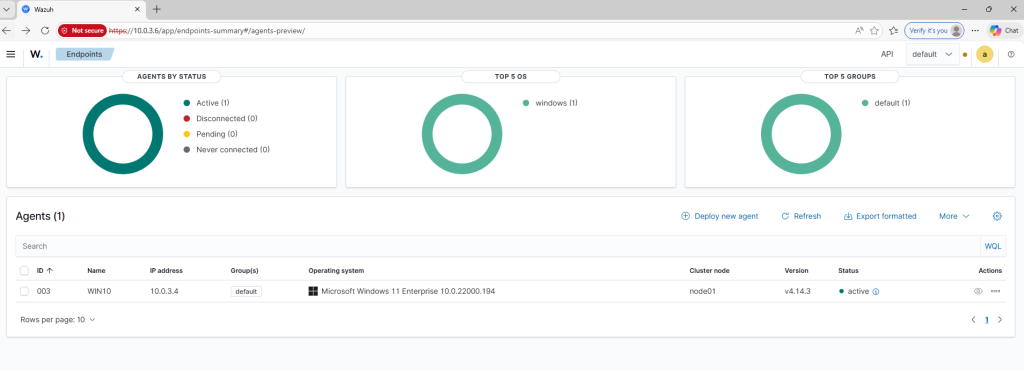
Great now we have an Active agent running 🙂