

Hi, my name is Kevin. When i try to sign-in to my account , it displays on ‘error’ message. Can someone help me resolve this issue?
🎫 Ticket 1: The Account/Computer Login Loop #
The Problem: Kevin couldn’t sign in despite having credentials.

The Fix:
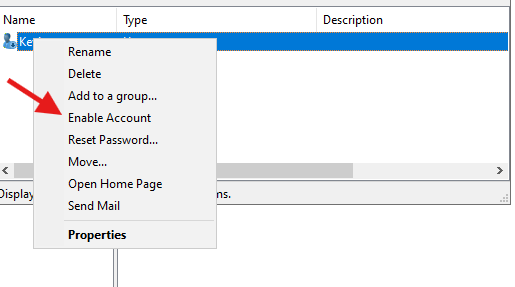
When you see a generic login error, always check the status first. I opened Active Directory Users and Computers (ADUC) and found Kevin’s account was Disabled. I re-enabled it, but he still couldn’t log in.
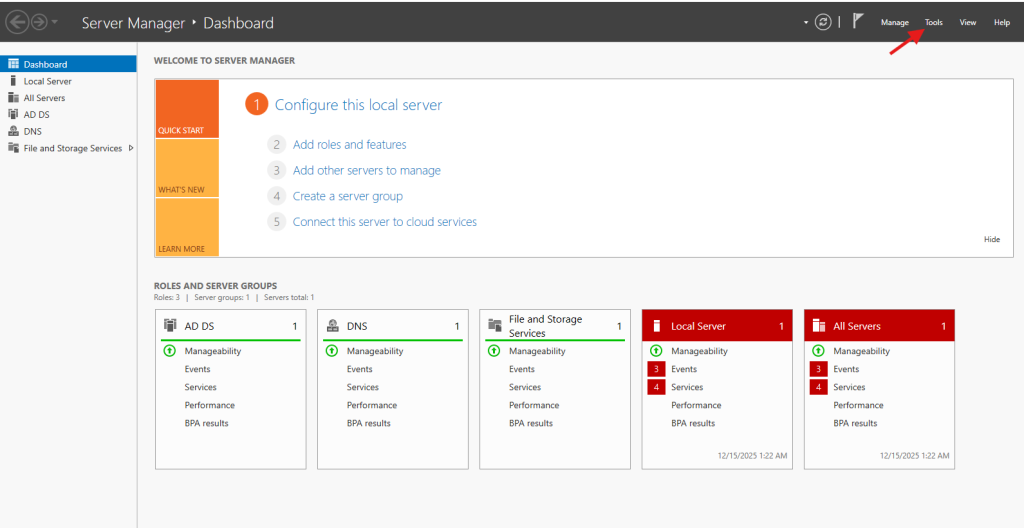
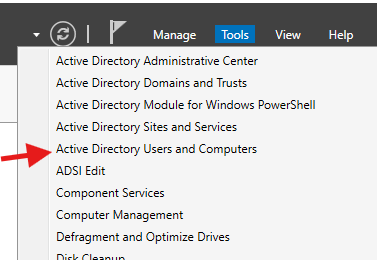
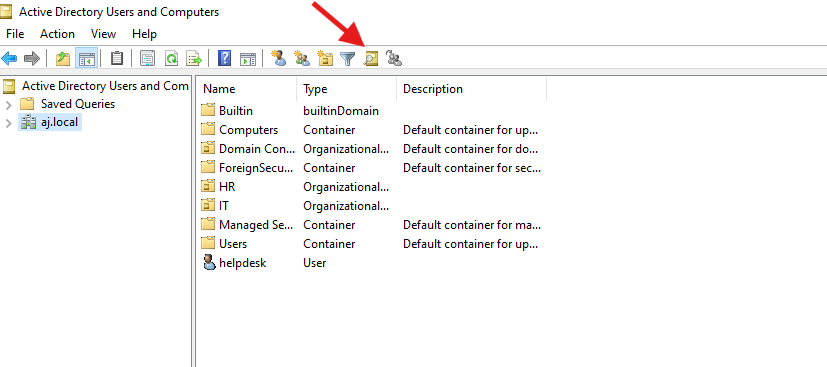
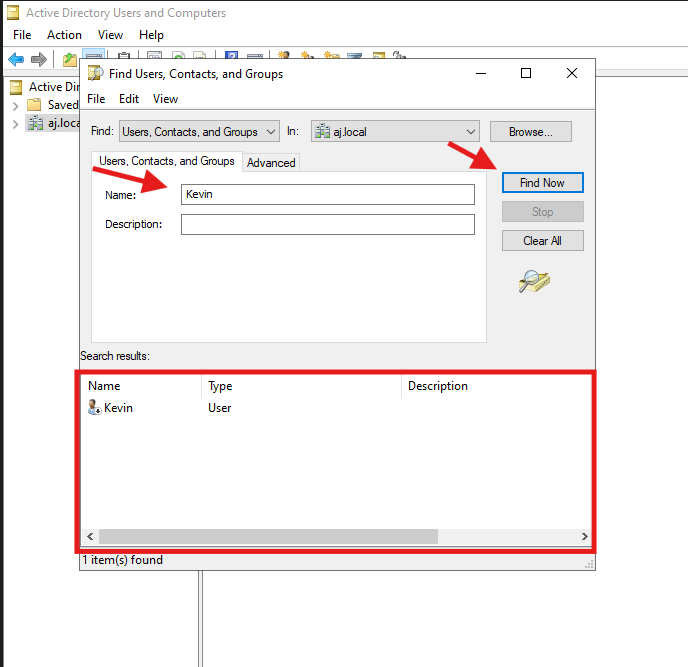
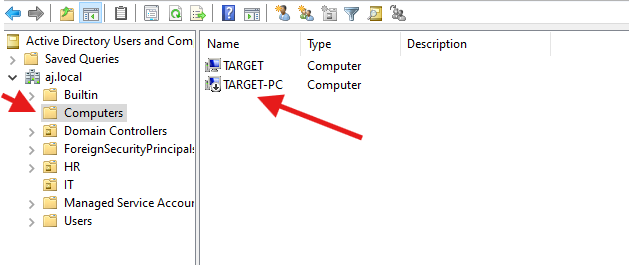
I then checked the Computers container. It turns out his specific workstation was also disabled. In AD, both the “User” and the “Machine” need to be in good standing.
I right-click and enable both of them

The Root Cause: Even after enabling both, the connection failed. I logged in with a local admin account and checked the DNS settings. The machine was pointing to a random DNS (likely from a home router) rather than our Domain Controller. Once I pointed the DNS to our AD server, the machine could finally “see” the domain and authenticate Kevin.